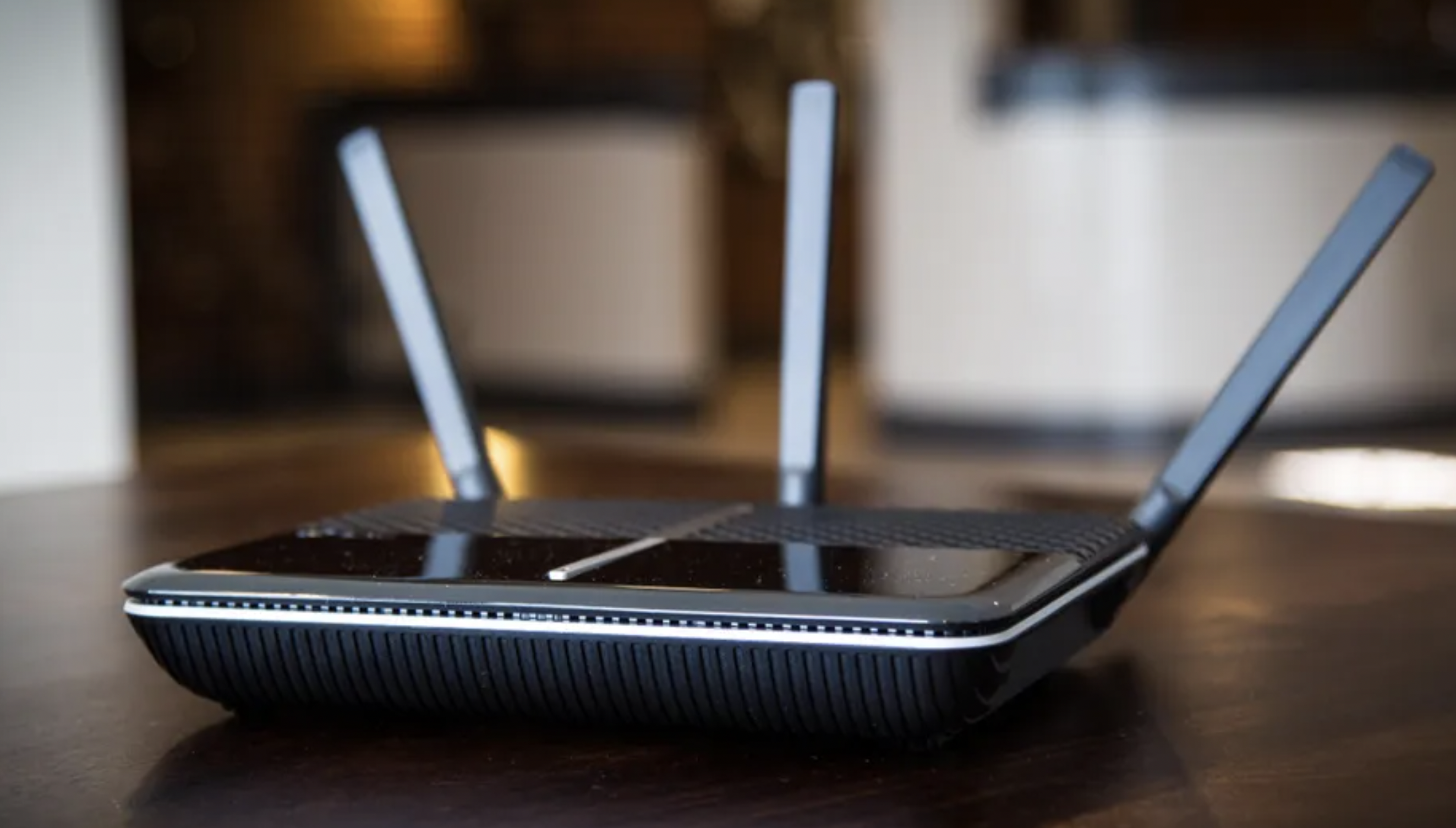
Few things are more aggravating than suddenly losing your internet connection. You double-checked that you paid the bill, plugged in the router, and have all the right settings, but still, pages refuse to load. If you’re getting overheated, your router might be, too.
While uncommon, routers can become too hot and experience hardware issues, have trouble connecting to the internet, and slow down. Learn common reasons Wi-Fi routers overheat and what to do to restore your connection and peace of mind.
Substandard Router Design
Routers may overheat because of an inferior design. Sometimes, manufacturers install faulty router chips that run hot or neglect to drill sufficient air holes in their products.
Before buying a new 5G cellular router, check out product reviews. See which manufacturers design high-performance cellular routers capable of withstanding extreme temperatures. Paying a bit more for a quality router may be worth it if it means enjoying a stable internet connection and maintaining a balanced internal temperature.
Clogged Air Vents
Routers use side vents and passive cooling to maintain a balanced internal temperature. Hot air vents away from the device’s internal circuitry while cool air flows inside the unit over the components to keep them cool.
Pay attention to where you position your router. Placing it too close to a wall or another object may block the vents and prevent the router from “breathing” properly. Dust can also build up inside the vents and clog them. Every once in a while, give your unit some TLC and clear out the dust bunnies with a can of compressed air.
Avoid positioning the device in a space with limited airflow, such as a cabinet, basket, hollowed-out book, or box. While your router may be easier on the eyes in these spots, enclosed spaces are harder on the hardware.
Too Many Connected Devices
In today’s always-online world, it’s common to have several devices connected to the internet. You may have a personal computer, a work computer, a gaming console, a smartphone, a tablet, and a digital media player for video streaming. Even if you live with only one other person, you may both have several gadgets using your router’s internet connection simultaneously.
Wi-Fi routers have a limited number of devices they can connect to the internet at the same time. Too many devices clamoring for a solid connection all at once stresses the router and may cause it to overheat.
Your router may have several wireless access points connected to wired networks. If so, the power demands necessary to keep everything running smoothly may cause the device to overheat.
Hot Environment
The room your router’s in may be too hot for it to function properly. Especially during warmer months, rooms may not have enough cool air circulating to keep routers and similar electronic devices from overheating.
Even during winter and fall, rooms may develop hot spots around TVs and other electronic equipment that generates heat. Positioning routers too closely to hot spots may damage them or cause them to drop their internet connections.
Improper Unit Placement
Besides paying attention to where you place the router, note the router’s design while positioning it. Some manufacturers design their units for upright positioning, so they include a base in the packaging. If your unit has vents on the bottom or back, you most likely should stand it upright.
Most routers also aren’t designed for both vertical and horizontal positioning. No matter if you have a desktop or wall-mounted unit, stand yours properly. Otherwise, it may take longer than necessary for built-up heat to dissipate.
Stay connected to your favorite apps, websites, and streaming services by helping your router keep its cool. Understanding why units overheat helps them last longer and protects your investment in them.